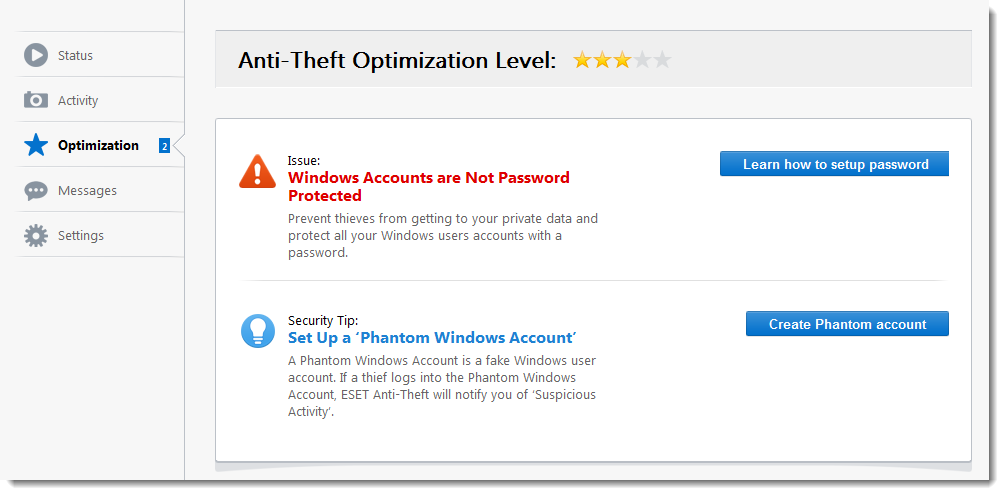
Optimization
Anti-Theft optimization is a measurable technical assessment of the security state of your computer or device. Performing this task will examine your system for the following issues.
Windows users:
•Windows accounts are not password protected
•Automatic login for the real account is enabled
•Automatic login for the Phantom account is enabled
See the following Knowledgebase article for illustrated instructions to resolve Optimization issues:
Optimize your device for Anti-Theft in ESET Windows home applications
Android users:
•Google Play Services not present
The security level displayed in Anti-Theft Optimization Level may have the following states:
•If no issue is detected - Security level = 5 stars
•If only one issue is detected - Security level = 4 stars
•If two or three issues are detected - Security level = 3 stars