
Threat research
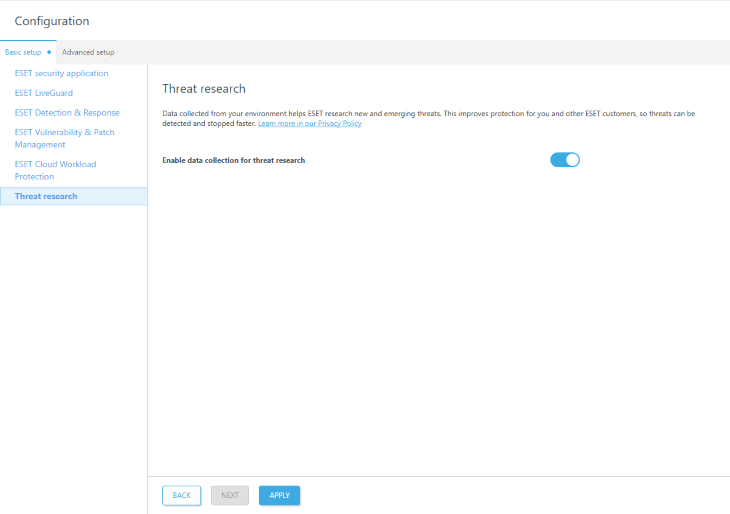
ESET uses data collected from your environment to research new and emerging threats. The wizard prompts you to enable data collection for threat research:
|
MSP users can adjust settings globally or per company using the Applied to filter at the top. The settings are marked as: • • • |


1.We recommend enabling the toggle next to Enable data collection for threat research.
2.Click Apply to apply security settings.