
ESET Inspect
|
You need the following access rights to edit the ESET Inspect part: •Use access—All Static Group •Use access—Subscriptions •Write access—Product Activation Client Task •Write access—Software Installation Client Task If you do not have the required access rights, the ESET Inspect part is disabled. If you do not have ESET Inspect subscription, the ESET Inspect part is unavailable. MSP users need Use access to the All static group or to at least one company in their group tree. |

|
When you have the ESET Inspect subscription with the ESET MDR tier, you will see the ESET MDR wizard. If you do not have the ESET MDR tier you will see the following wizard. |

The wizard prompts you to enable ESET Inspect on devices connected to ESET PROTECT:
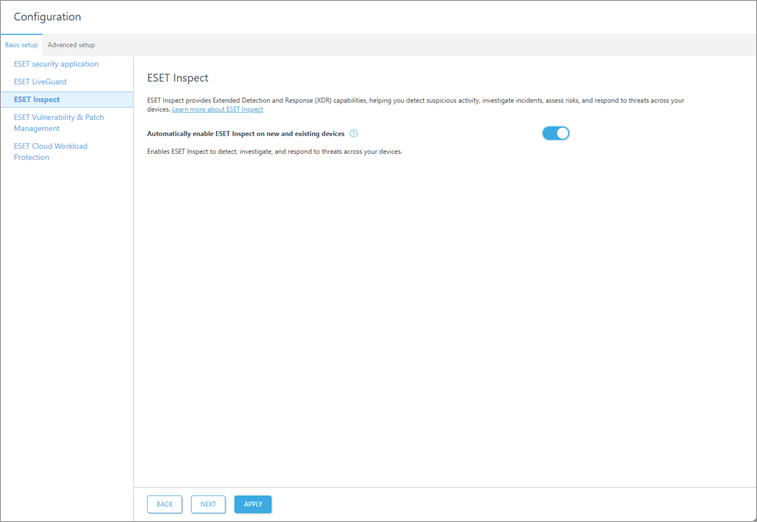
1.We recommend enabling the toggle next to Automatically enable ESET Inspect on new and existing devices.
2.Click Apply to apply security settings or Next to continue with the next module.
Disable settings
You can disable the settings with the toggle  .
.