
Create a device policy for deployment
Follow the steps below to create a device policy to enable ESET PROTECT plugin for ConnectWise Asio deployment on your managed devices.
1.In the main menu, click Endpoints > Policies.
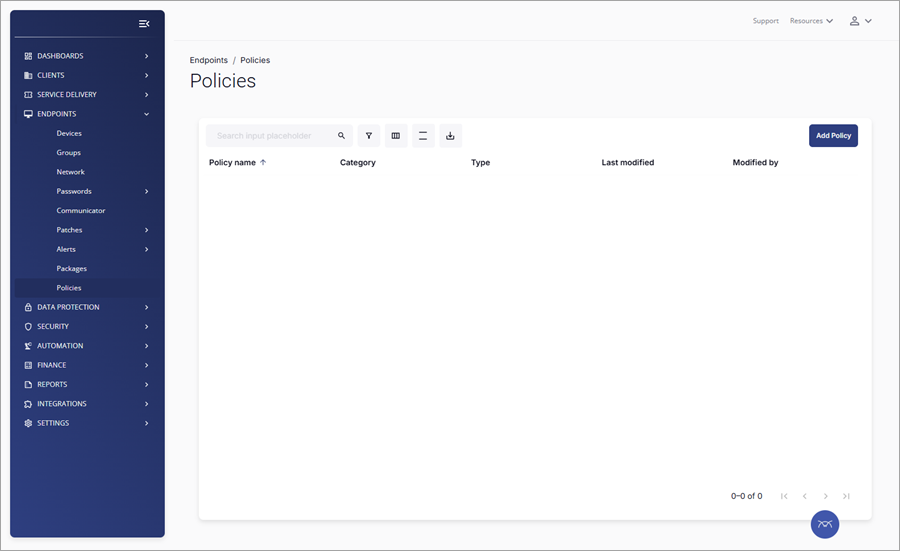
2.Click Add Policy.
3.In the next window, the Summary section, click the Category drop-down menu to select Devices.
4.Click the Type drop-down menu to select ESET.
5.Type the new policy name in the Name text field (for example, Enable ESET deployment).
6.Enable the toggle next to Deploy ESET security applications included in your subscription, such as ESET Endpoint Security and ESET Management Agent, in the ESET Settings section.
|
Subscribed ESET security applications Due to ESET Connect API limitations, you cannot select a specific ESET security application for deployment. All supported ESET security applications will be deployed to your managed device based on subscription availability in your ESET MSP Administrator service account. |

7.Click Save.