
Create deployment package
|
Packages ConnectWise Asio packages are groups of policies where you can assign previously created policies for Device or Site. To deploy ESET security applications to your managed devices, add the previously created ESET device policy for deployment to the package. |

1.In the main menu, click Endpoints > Packages.
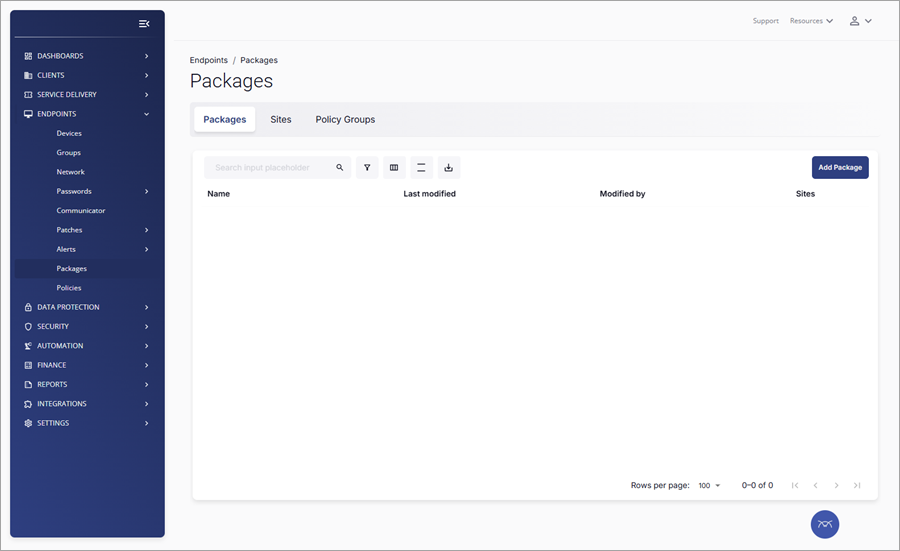
2.In the Packages tab, click Add Package.
3.In the next window, the Package Summary section, type the new package name in the Package Name field (for example, ESET deployment package).
4.Click the Devices drop-down menu in the Available Policies section to expand available device policies.
5.Drag the desired policy (for example, Enable ESET deployment) and drop it next to Drag Policies Building Blocks Here.
6.(Optional) Click the Sites drop-down menu to expand available site policies. Drag the Enable RMM Capabilities policy and drop it next to Drag Policies Building Blocks Here.
7.Click Save.