
Assign the deployment package to the site
Follow the steps below to assign the created deployment package to the site.
|
Assign options You can assign a package with the device policy to the ConnectWise Asio Sites or Policy groups (optional). Click the desired tab in the Packages and select the desired site or policy group. |

1.In the main menu, click Endpoints > Packages.
2.Click the Sites tab.
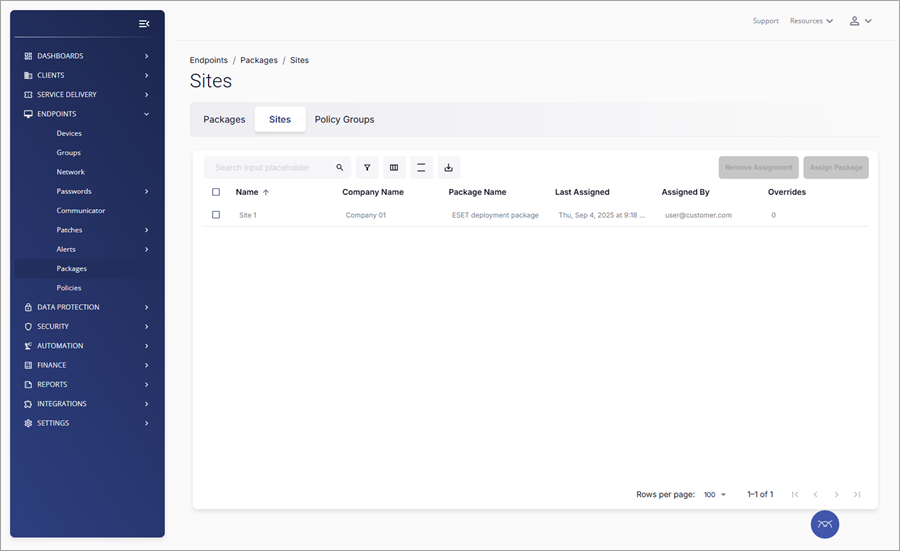
3.Select the check box next to the desired site.
4.Click Assign Package.
5.In the next window, click the desired package name from the Package Name list. Click Assign.
6.Read the Site Package Update notification message and click Update to confirm.
The assigned deployment package will now start the deployment of ESET Management Agent and ESET security applications with valid subscription to the managed devices of the selected site.