
Importing an MSP account
1.Log in to the Web Console and navigate to More > Subscription Management.
2.Click Actions > Add Subscriptions.
3.Select ESET PROTECT Hub, ESET Business Account or ESET MSP Administrator option. Type your MSP credentials (ESET MSP Administrator login) to Login and Password fields below.
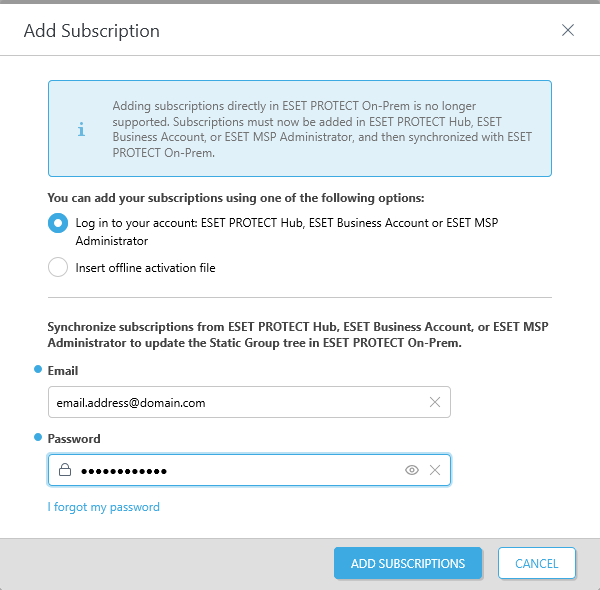
4.Click Add Subscriptions to confirm.
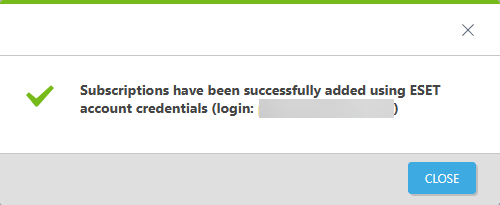
5.ESET PROTECT On-Prem now synchronizes your structure from the MSP portal to the Static Group tree in the Computers menu in the Web Console. The synchronized structure is called MSP Tree.
|
Importing an MSP account with a large number of customers (thousands) can take a very long time, even hours. |
