
Web control rules
The Rules editor window displays existing URL-based or Category-based rules.
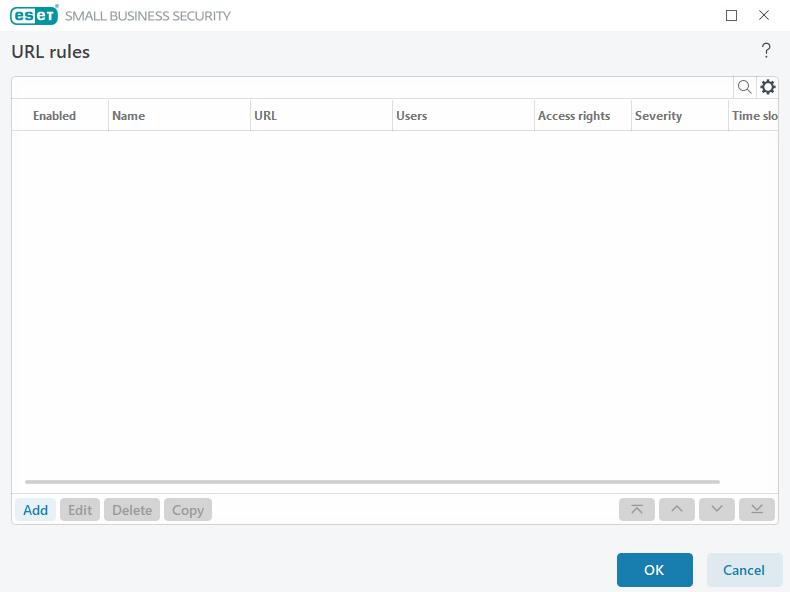
The list of rules contains several descriptions of rules such as name, type of blocking, action to perform after matching a Web control rule and log severity.
Click Add or Edit to manage a rule. Click Copy to create a new rule with pre-defined options used for another selected rule. XML strings displayed when clicking a rule can be copied to the clipboard to help system administrators export/import these data and use them.
By pressing CTRL and clicking, you can select multiple rules and apply actions, such as deleting or moving them up or down the list, to all selected rules. The Enabled check box disables or enables a rule; this can be useful if you want to keep the rule.
Click Populate to auto-populate parameters for removable media and connected devices.
Rules are listed in order of priority with higher-priority rules closer to the top. Rules can be moved by clicking  Top/Up/Down/Bottom and can be moved individually or in groups.
Log entries can be viewed in the main program window > Tools > Log files.
See also creating rules.