ESET News
In this window, ESET Internet Security informs you of ESET news on a regular basis.
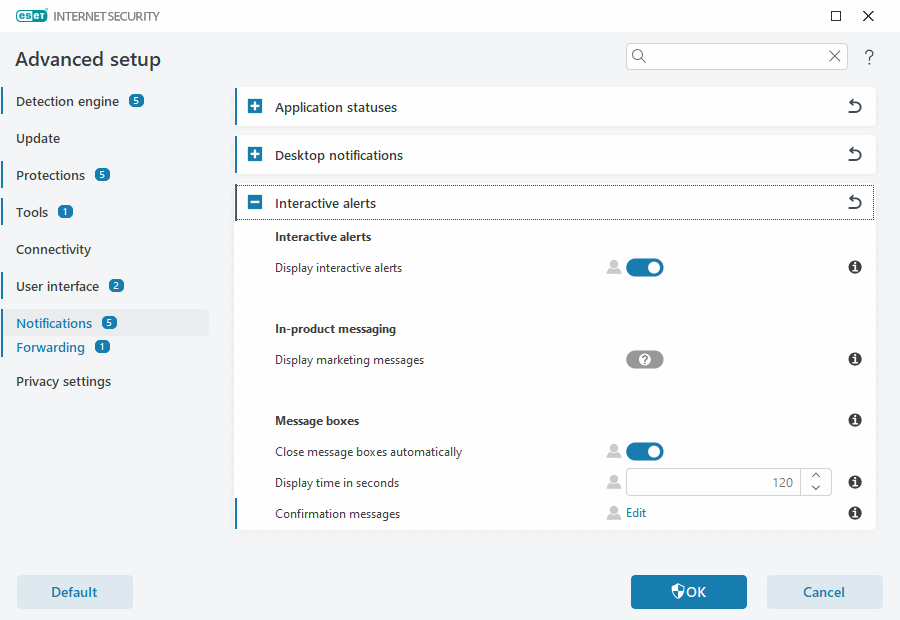
In-product messaging is designed to inform users of ESET news and other communications. By enabling this option, you agree to receive ESET marketing messages. If you are not interested in receiving ESET marketing material, disable the Display marketing messages option.
|
Particular set up and the method of obtaining consent depend on the specific legal requirements and privacy regulations in each country. |

To enable or disable receiving marketing messages via notification window, follow the instructions below.
1.Open Advanced setup.
2.Click Notifications > Interactive Alerts.
3.Modify Display marketing messages option.