
ESET HOME account
You can review the ESET HOME account connection status in the main program window > ESET HOME account.
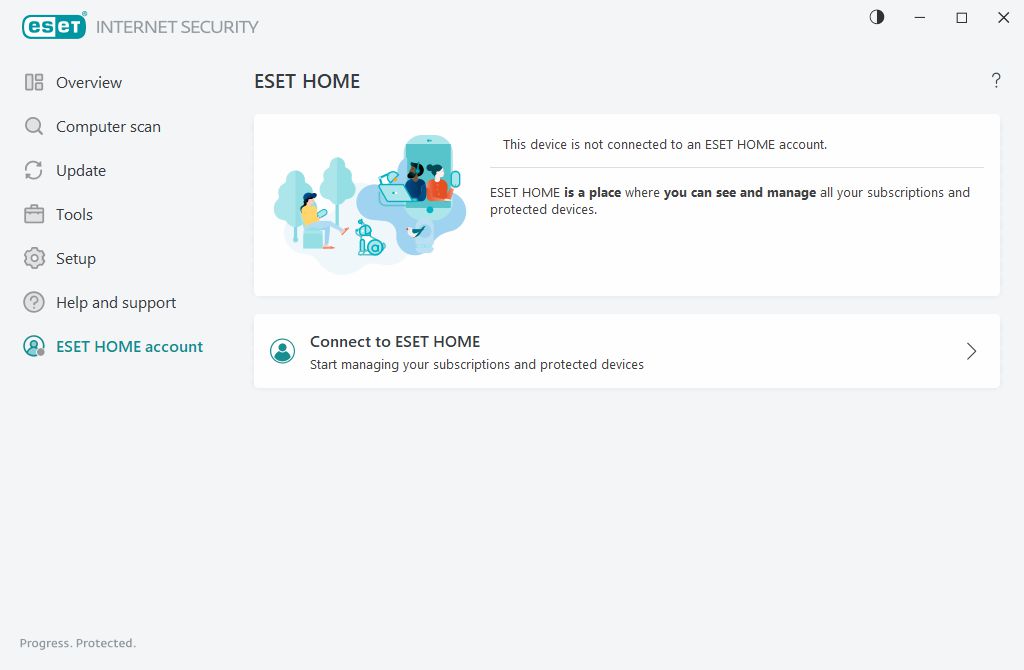
This device is not connected to an ESET HOME account
Click Connect to ESET HOME to connect your device to ESET HOME and manage your subscriptions and protected devices. You can renew, upgrade or extend your subscription and view important details.
In the ESET HOME, you can add different subscriptions, download applications to your devices, check the application security status or share subscription through email. For more information, visit ESET HOME Online Help.
This device is connected to an ESET HOME account
You can manage your device's security remotely using ESET HOME. Click App Store or Google Play to display a QR code that you can scan with your mobile phone to download ESET HOME from App Store or Google Play.
ESET HOME account—Your ESET HOME account name.
Device name—The name of this device displayed in the ESET HOME account.
Open ESET HOME—Opens the ESET HOME.
To disconnect your device from your ESET HOME account, click Disconnect from ESET HOME > Disconnect. The subscription used for activation will remain active, and your device will be protected.