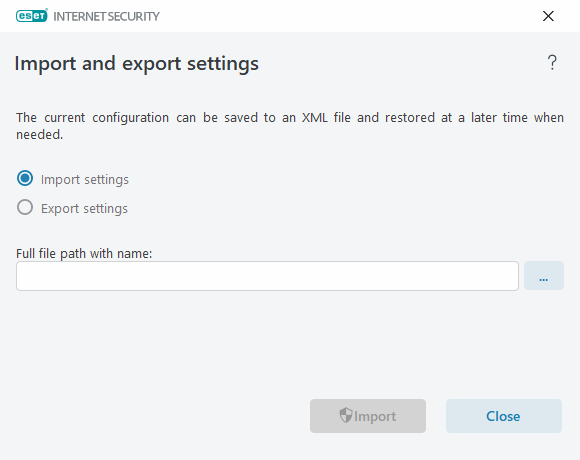
Import and export settings
You can import or export your customized ESET Internet Security .xml configuration file from the Setup menu.
|
Illustrated instructions See Import or export ESET configuration settings using an .xml file for illustrated instructions available in English and several other languages. |

Importing and exporting configuration files is useful if you need to back up your current ESET Internet Security configuration for later use. The export settings option is also convenient when you want to use your preferred configuration on multiple systems. You can import an .xml file to transfer these settings.
To import a configuration, in the main program window, click Setup > Import settings. Specify the configuration file to import, or click the three dots button ... to browse to it. Click Import to confirm.
To export a configuration, in the main program window, click Setup > Export settings. Specify the location and the filename for the exported configuration file, or click the three dots button ... to browse to the destination. Click Export to confirm.
|
You may encounter an error while exporting settings if you do not have enough rights to write the exported file to the specified directory. |