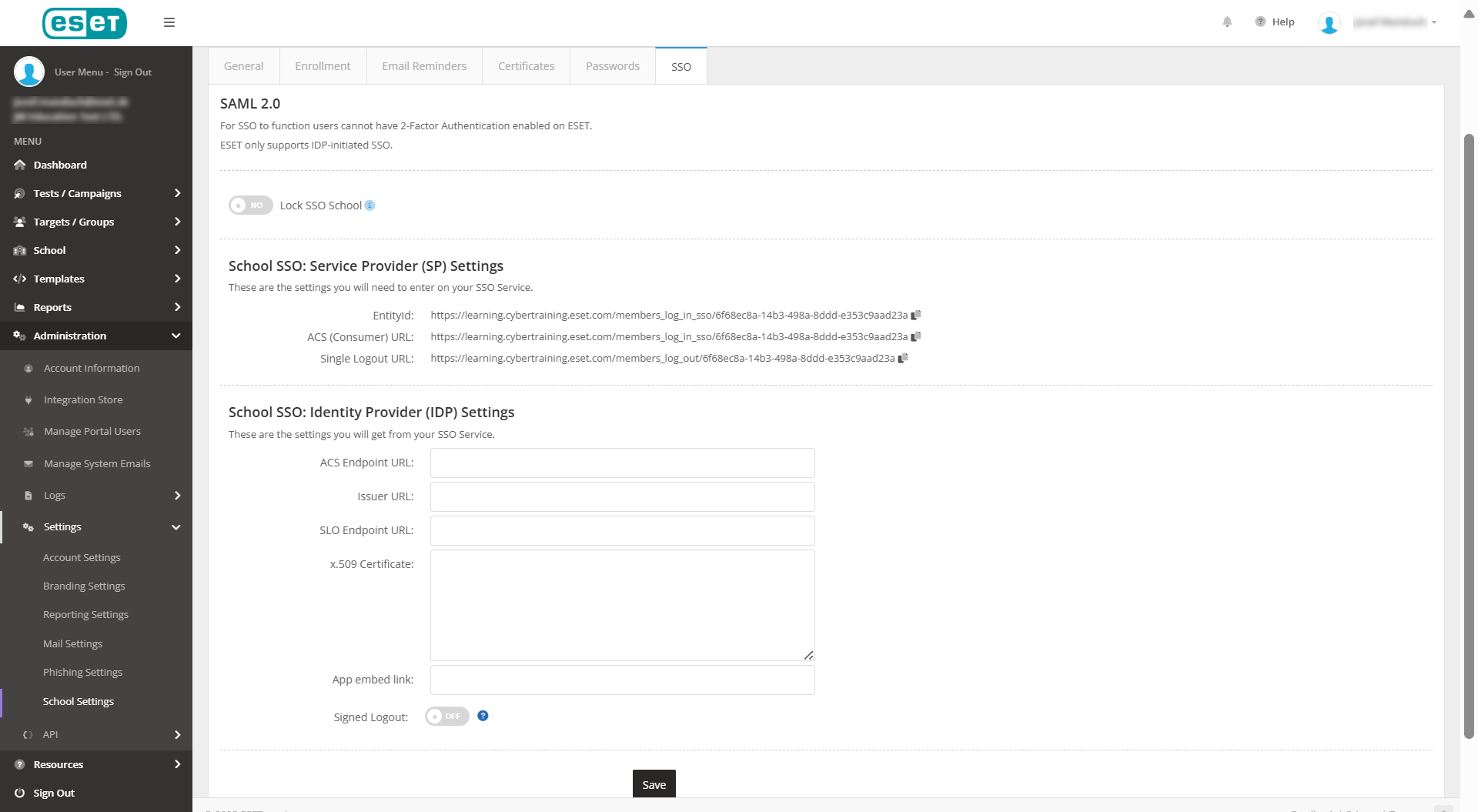
Change the school settings
1.Log in to ESET Cybertraining Admin portal.
2.Click Administration > Settings > School Settings.
3.Select the applicable School Portal Login Type and then click Save.
•Username/Password: Users receive an email asking them to create a username and password for the training course.
•Token: Users receive an email with a direct link to the training course and a unique access token.
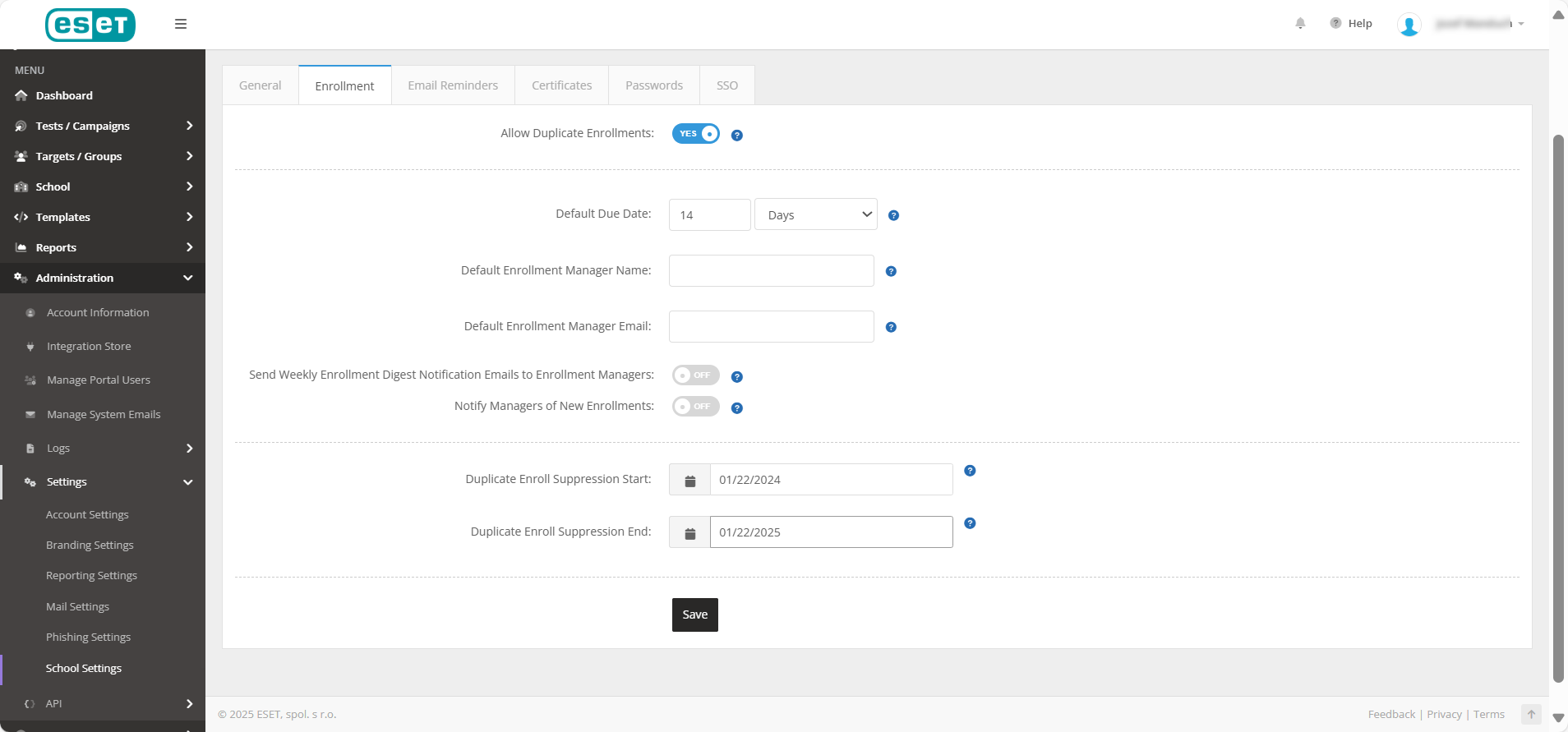
4.To send course reminder emails, click Email Reminder.
5.Click the Send Course Reminder Emails toggle to allow students to receive reminder emails about unfinished coursework.
6.In the Reminder emails should send, specify when to send reminder emails (daily, weekly, monthly, yearly, or quarterly) and on what days of the week.
7.Clicking the pen icon beside the course_reminder_auto/course_past_due_auto emails will take you to the Manage System Emails page, where you can edit the content of these emails.
8.Click Save.