Updates
Regularly updating ESET Small Business Security is the best method to ensure the maximum level of security on your device. The Update module ensures that both the program modules and the system components are always up to date.
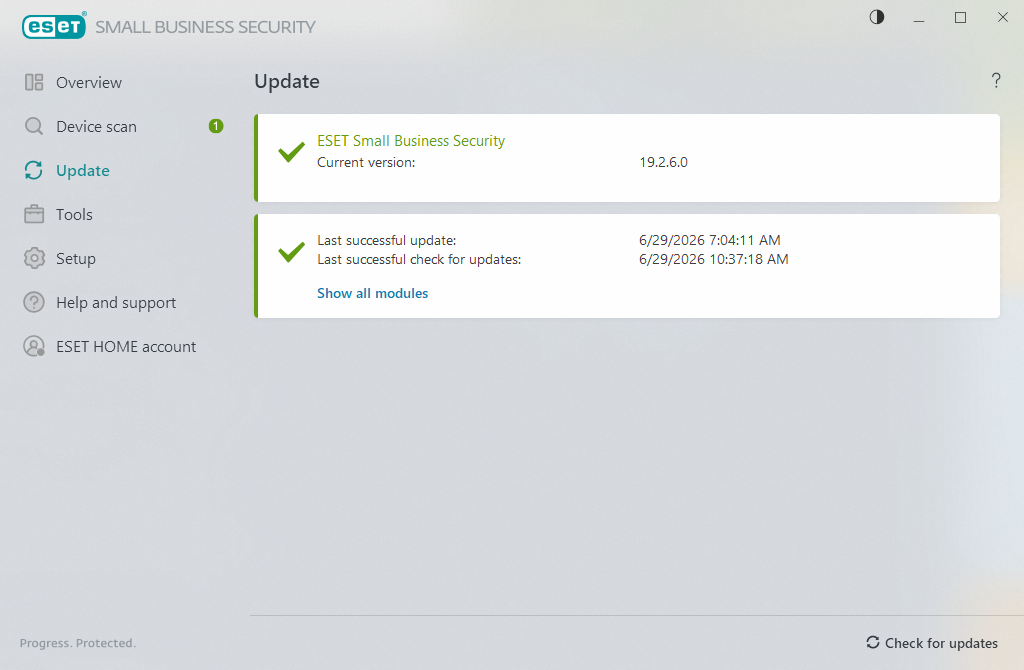
By clicking Update in the main program window, you can view the current update status, including the date and time of the last successful update and if an update is needed.
In addition to automatic updates, you can click Check for updates to trigger a manual update.
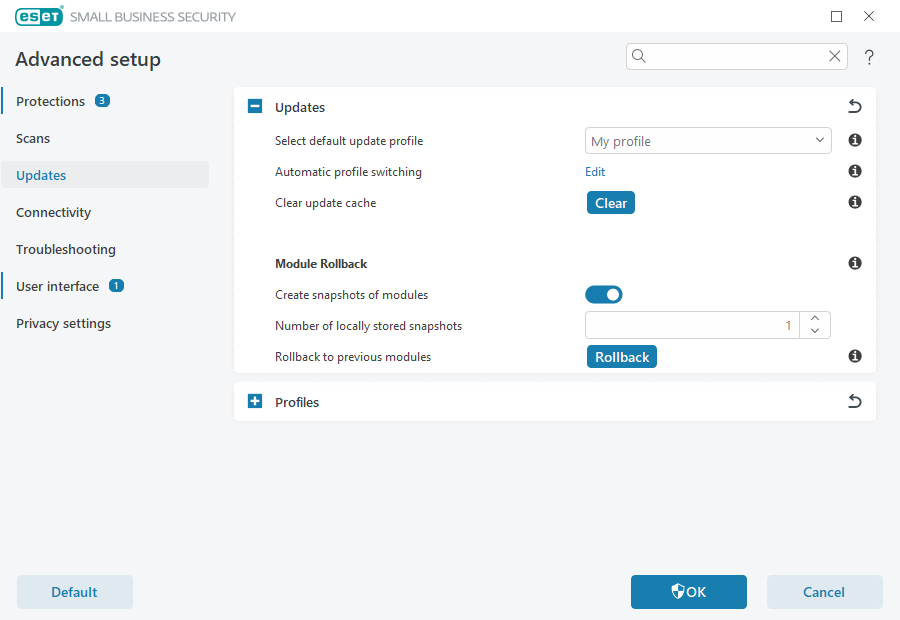
Click the gear wheel  icon in the top-right corner to open Advanced setup > Update, where you can configure update settings such as the update mode, proxy server access and LAN connections.
If you cannot update program modules, see the Troubleshooting for "Modules update failed" message section.