Application Preferences
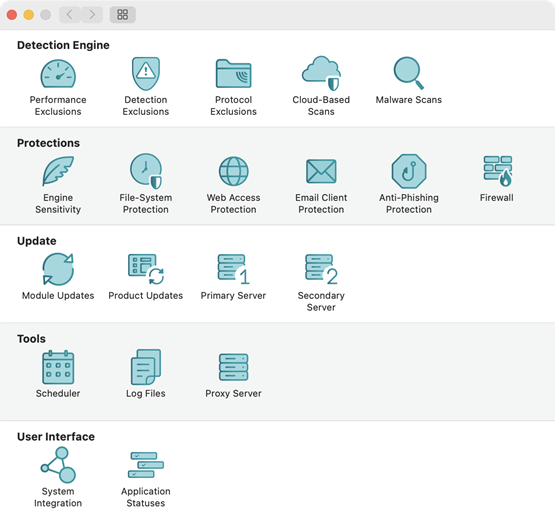
To modify advanced ESET Endpoint Security settings, open Application Preferences by using cmd+, or click ESET Endpoint Security in the macOS menu bar and select Preferences (Settings).
You can configure module settings for the following categories: