
ESET HOME
ESET HOME is a place where you can see and manage all your subscriptions and protected devices.
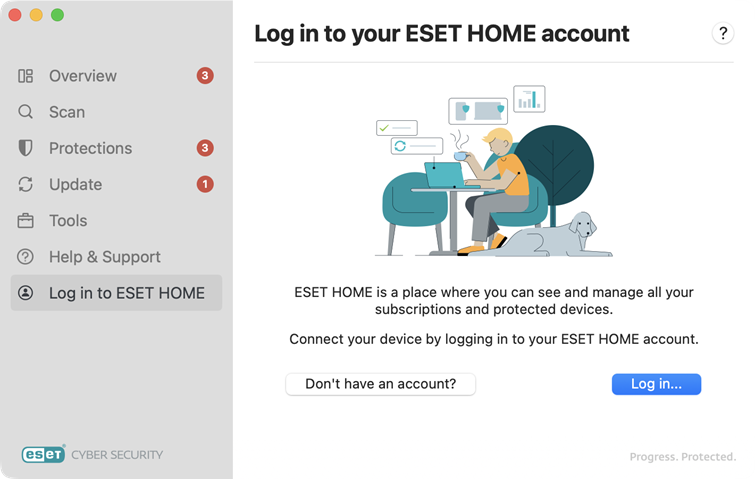
Log in to your ESET HOME account
Click Don't have an account? to create a new ESET HOME account.
Click Log in... to log in to your ESET HOME account. Visit ESET HOME login for more information.
 Connected
This device is connected to an ESET HOME account
Account name—Your ESET HOME account name.
Device name—The name of this device displayed in the ESET HOME account.
To disconnect your device from your ESET HOME account, click Disconnect... > Disconnect. By disconnecting, your device will loose protection, and you won't be able to manage its security in ESET HOME. If you want to connect the device to another ESET HOME account, you can do so at any time.
Open ESET HOME—You can manage the security of your device remotely using ESET HOME portal or mobile app. You can also manage your subscriptions and other protected devices there.
|
In case your ESET Cyber Security is activated but not connected to ESET HOME, you can remotely connect it through ESET HOME portal. A notification will be displayed on your device that an ESET HOME account is trying to connect to the device. If given permission, the ESET HOME account will be able to manage and view the security of your device remotely. |
