
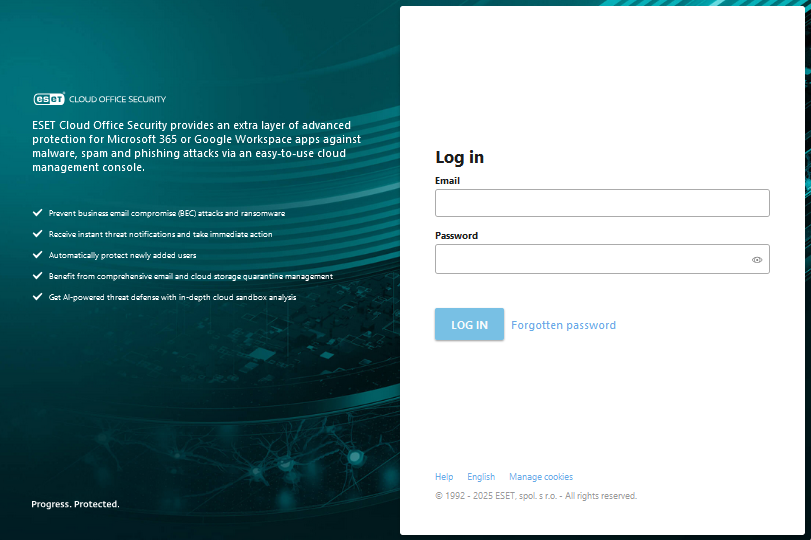
Login screen
To access ESET Cloud Office Security, open the login page. Type your Email and Password, then click Log in.
Alternatively, open the ESET Cloud Office Security from the ESET PROTECT Hub, ESET Business Account or ESET MSP Administrator. This way, you will be logged into your ESET account and ESET Cloud Office Security simultaneously.
Forgotten password allows you to recover forgotten password to your account.
Sign in with Microsoft
Before you use single sign-on with Microsoft Entra ID, you must configure it in the ESET PROTECT Hub. Click Sign in with Microsoft to log into ESET Cloud Office Security with your Microsoft account.
To change the login page language, click the language link. A language selector opens, and you can select the preferred language.
The Manage cookies link enables you to review cookie details, adjust their preferences, and access the Cookie Policy for more information.